In Panel
Databases
A database in one click for the plugins that want one — and why the server reaches it by name, not by address.
Updated
Databases
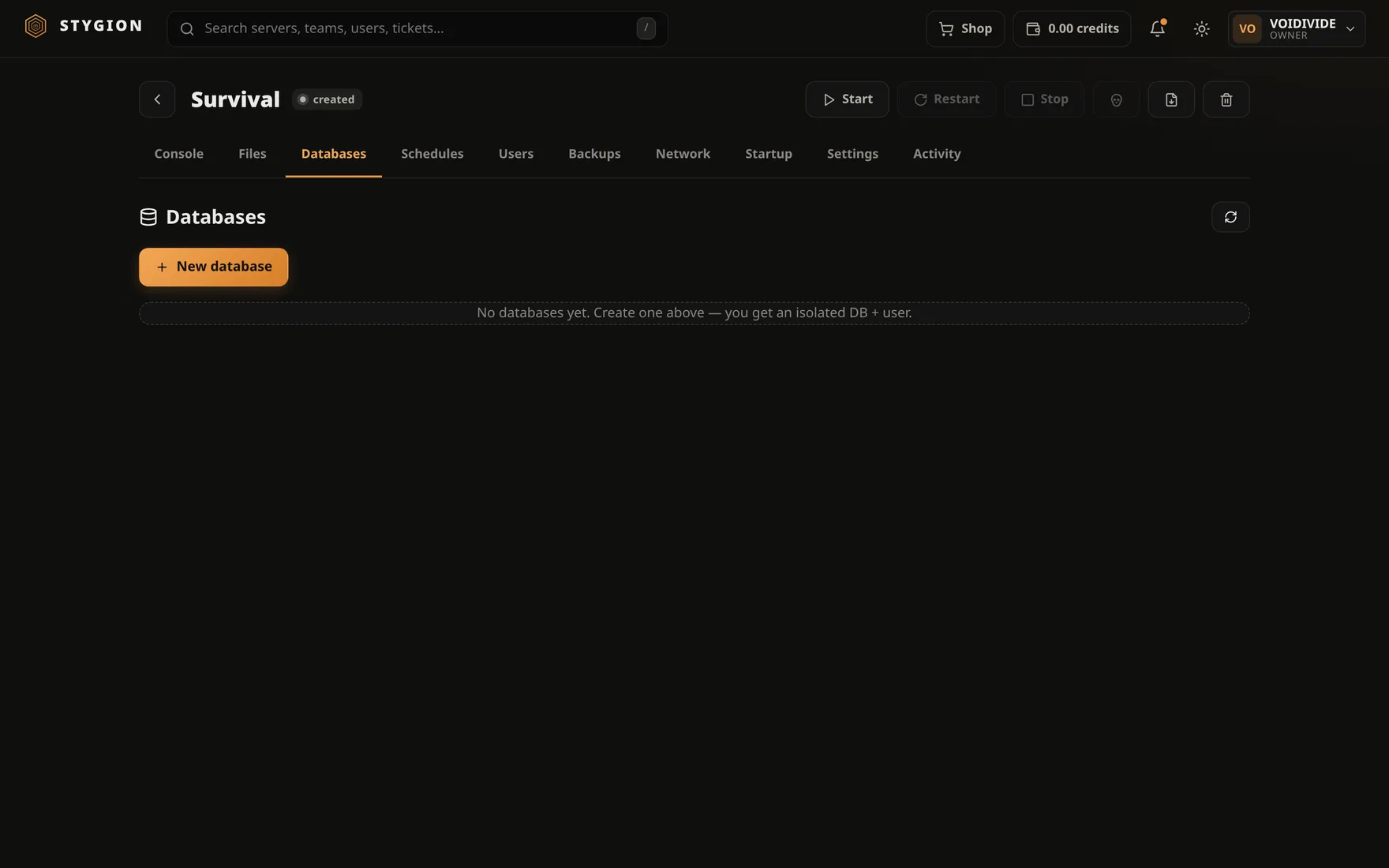
Plenty of plugins want MySQL or MariaDB — economy, LuckPerms, stats. The Databases tab makes the database, the user and the password for you.
Before it works
The panel does not run a database; it only creates one on a database host the administrator configured under Admin → Database hosts. Until there is one, the tab says so — and that is the panel's configuration, not your server's.
Creating one
Pick a host and confirm. The panel creates:
- a database with a name of its own,
- a user with rights to that database only,
- a password, shown to you in the panel.
Show connection puts the details together, Copy takes them straight into a plugin's config.
The address to give the plugin
The panel's servers share one container network, and the database host
has a name on it. What belongs in the config is that name, not
localhost: inside a container localhost is the container itself, and
a plugin pointed at it is looking for the database inside the game
server.
Show connection shows the exact address your plugin should be given.
Rotating the password
Rotate password makes a new one. The old one stops working immediately, so a plugin holding it in its config will disconnect — put the new one in and restart the server.
Deleting
Deleting a database in the panel deletes it on the host, with everything in it. A server backup does not contain it — a database's data lives outside the data directory. If it matters, take a dump.
Next: Network and ports.
Did this page help?
Opens the feedback panel with this page attached, and lands in the same queue as everything else.