In Panel
Backups
How a backup is taken, where it can be put off the machine, and what a restore really overwrites.
Updated
Backups
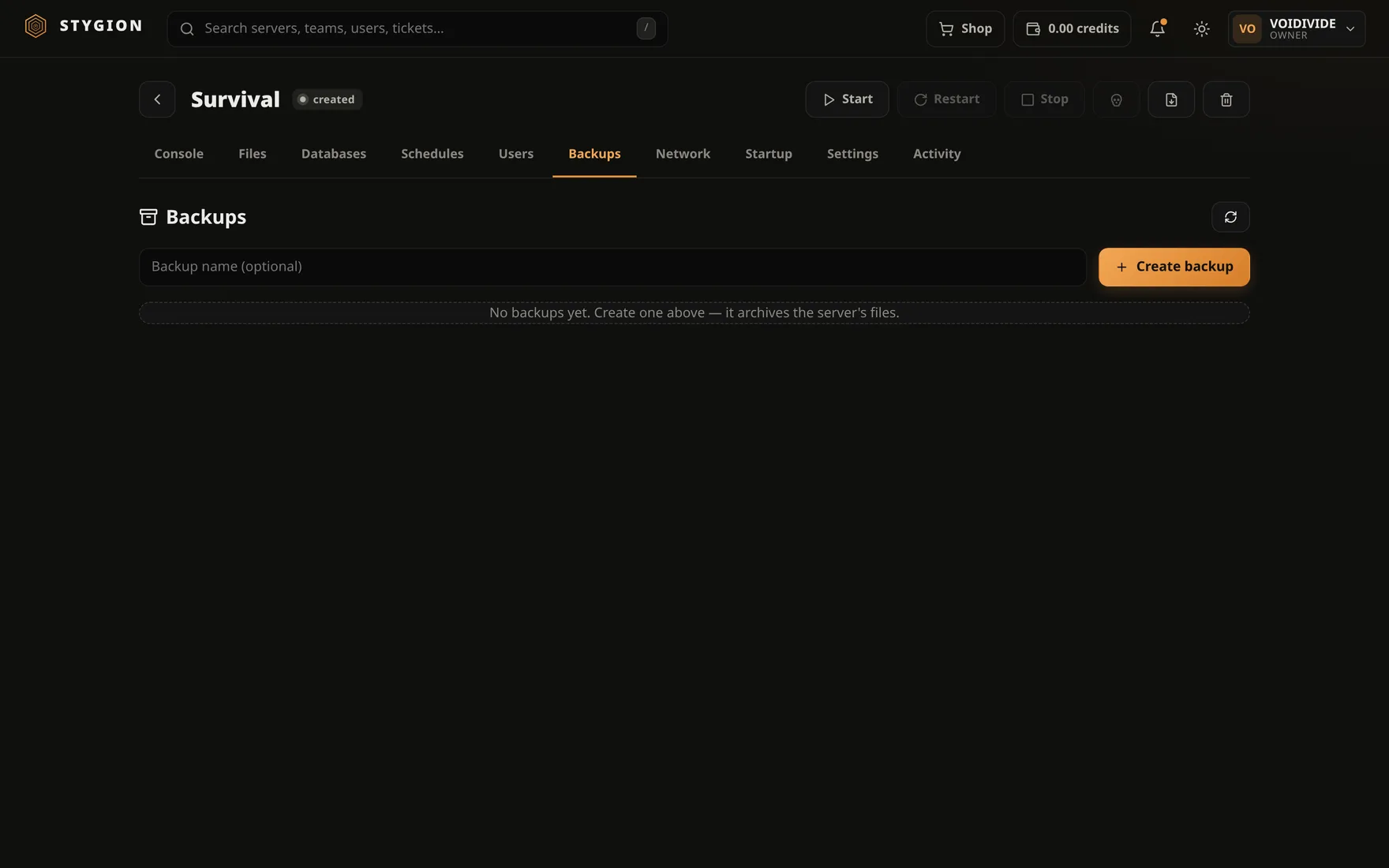
A backup is an archive of the server's data directory at one moment. Nothing more and nothing less: config, world, mods, logs. Not the image, not the container, not the database — those have their own.
Taking one
The Backups tab, an optional name (without one it is named by time), and a button. The archive is made in place and appears in the list with its size and time.
Back up a running server only when you know why. Minecraft holds
parts of the world in memory and writes them out when it feels like it.
An archive taken in the middle of that is consistent as a file, not as a
world. A graceful stop waits for the save — and save-off / save-all
from the console is the other way, when you would
rather not stop the server at all.
Off the machine
A backup beside the server protects against a deleted folder, not against a dead disk. So an off-box target can be configured — external storage the archive is uploaded to. Targets are managed by the panel's administrator under Admin → Backup targets; a backup then just needs Upload to off-box target.
Restoring
A restore overwrites the data directory with the archive's contents. It is not a merge and it does not undo.
So stop the server first. The panel will not stop a running server for you, because deciding when a server may vanish out from under its players is not its call.
Downloading and deleting
A backup can be downloaded as a file — it is an ordinary archive, nothing of ours — and deleted. Deleting is immediate and does not come back.
What a backup does not contain
- Databases. Managed databases live on a database host, not in the data directory.
- The server's settings in the panel. Name, ports, variables and the startup command live in the panel's own database. An archive restored into a freshly created server brings the files, not the configuration around them.
Next: Schedules.
Did this page help?
Opens the feedback panel with this page attached, and lands in the same queue as everything else.