In Panel
Schedules
A five-in-the-morning restart, a nightly backup, a warning to players before a stop — eight actions and when each earns its place.
Updated
Schedules
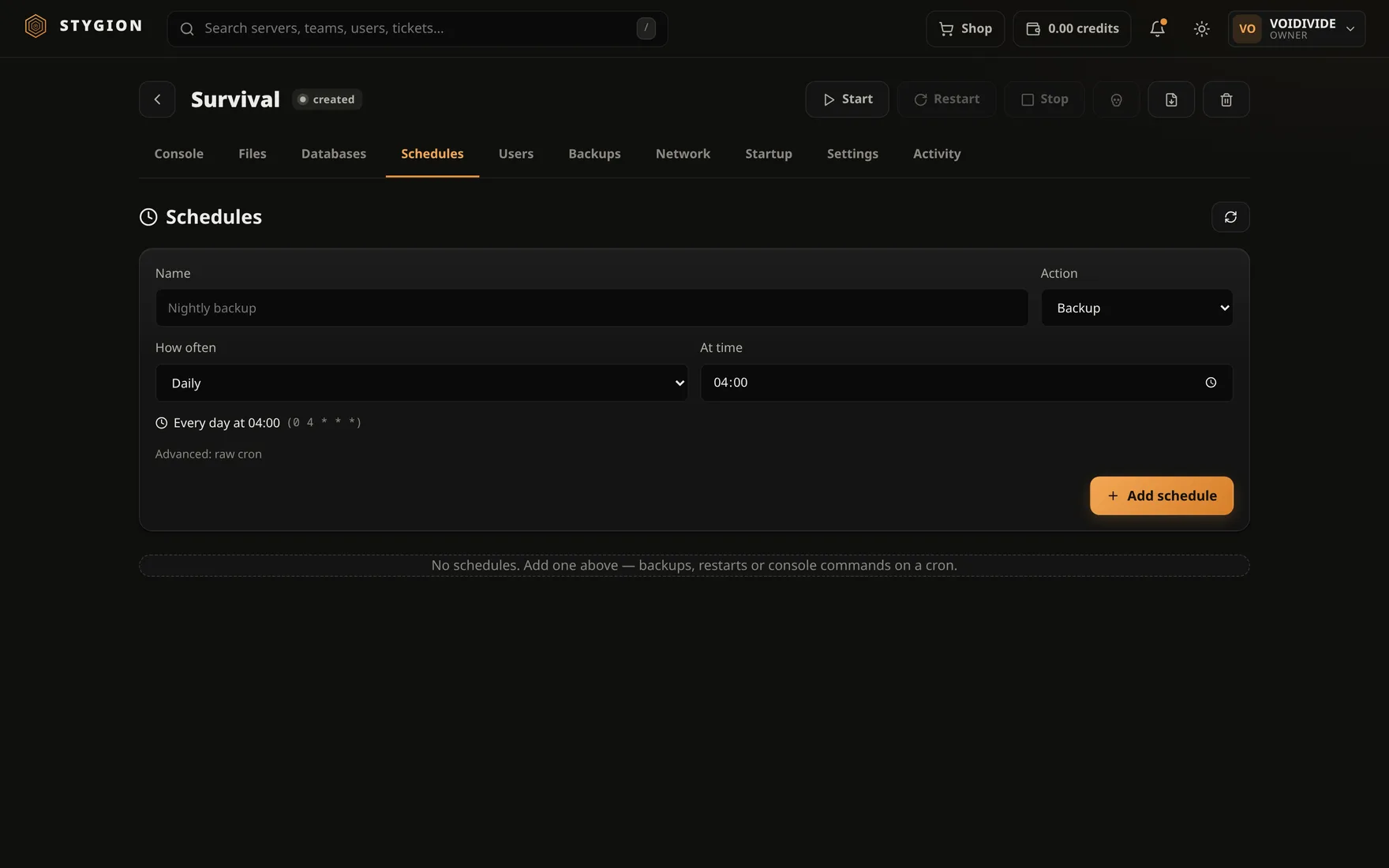
A schedule is one action that repeats itself. The Schedules tab.
How often
You do not need to know cron. Pick Every few minutes, Hourly, Daily, Weekly or Monthly and fill in what belongs with it — the minute, the time, the day of the week, the day of the month.
The time is the clock of the machine the panel runs on. If that machine is on UTC and you are not, count on it.
The actions
| Action | What it does |
|---|---|
| start | Starts the server if it is not running. |
| stop | A graceful stop — sends the egg's stop command and waits. |
| restart | A stop and a start. |
| kill | A hard kill. Nothing is saved. |
| backup | Takes a backup. |
| command | Sends one line to the console. |
| update | Re-pulls the image and rebuilds the container. |
| webhook | POSTs to the address you give it. |
The ones that actually earn their place
A nightly restart. A modded server two days into a run is slower than it was at boot. A restart at four in the morning is cheaper than finding out which mod leaks.
A warning before it. Three command schedules a few minutes ahead:
say Restarting in 5 minutes.
say Restarting in 1 minute.
say Restarting now.
A player thrown off without warning reads it as a crash.
A backup before the restart, not after it. Backing up after a start means backing up a world that is still loading.
update only when you know what is in the image. It moves the
container onto the newest image — for a game server that is a version
change, not a security patch. The data directory stays.
When a schedule fails
A failure does not cancel the schedule; it is tried again next time. What happened shows in that server's Activity tab.
Next: Databases.
Did this page help?
Opens the feedback panel with this page attached, and lands in the same queue as everything else.