In Panel
Files and SFTP
The file manager, uploads, archives, permissions — and why an uploaded file no longer stops the server from starting.
Updated
Files and SFTP
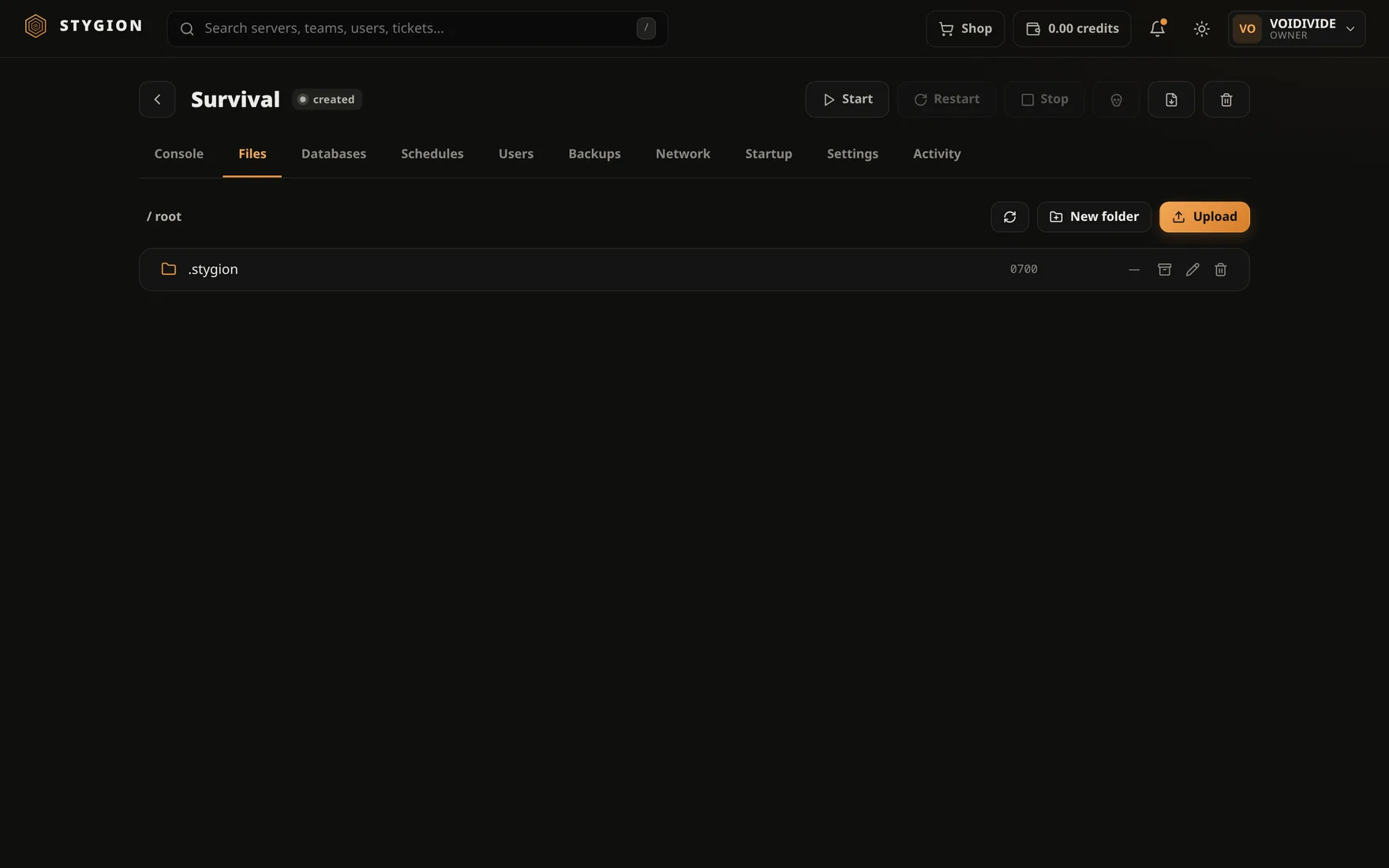
Every server has one directory on the host, mounted in the container as
/home/container. Everything else — the image, the container, the
network — can be thrown away and rebuilt. This directory cannot. It is
the server.
The file manager
The Files tab sits over that directory. It does what you expect: browse, upload, download, rename, delete, make a folder.
Two more things save the most time when something is wrong:
- Archive to .zip and extract here. Upload a modpack as one file and unpack it in place, instead of two hundred individual uploads.
- Change permissions. Explained below.
Text files open in an editor with highlighting for JSON, YAML and JavaScript, so a config can be fixed without downloading it.
Permissions
This used to be the most tiring detail in the whole panel: upload a file, the server refuses to start because it cannot read it, and the fix was an SSH session on the host.
The panel now gives an uploaded file the owner the game image actually
runs as. That user is detected from the image — the pelican-eggs and
parkervcp families use different numbers — so it is not a guess.
If something still ends up wrong (a file brought in from elsewhere, a backup restored from another panel), Change permissions fixes it from the browser. You no longer go in over SSH for this.
SFTP
The panel listens for SFTP on port 2022. You sign in with your
panel username and password; which servers you can reach is governed
by the same permissions as in the browser — sharing a
server with files opens both at once.
sftp -P 2022 [email protected]
It is SFTP, not SSH — there is no shell. When you need a shell, that belongs on the machine, not in the panel.
What does not belong in the data directory
- Backups. They have their own tab and their own storage; a copy of the world beside the world backs itself up and only confuses a restore.
.stygion/. That is where the panel keeps the pipe it sends console commands down. Delete it and the panel makes it again at the next start — but until that start, the console is mute.
Next: Backups.
Did this page help?
Opens the feedback panel with this page attached, and lands in the same queue as everything else.