In Panel
Server settings and activity
Name, limits, reinstall, delete — and the record of who did what.
Updated
Server settings and activity
Settings
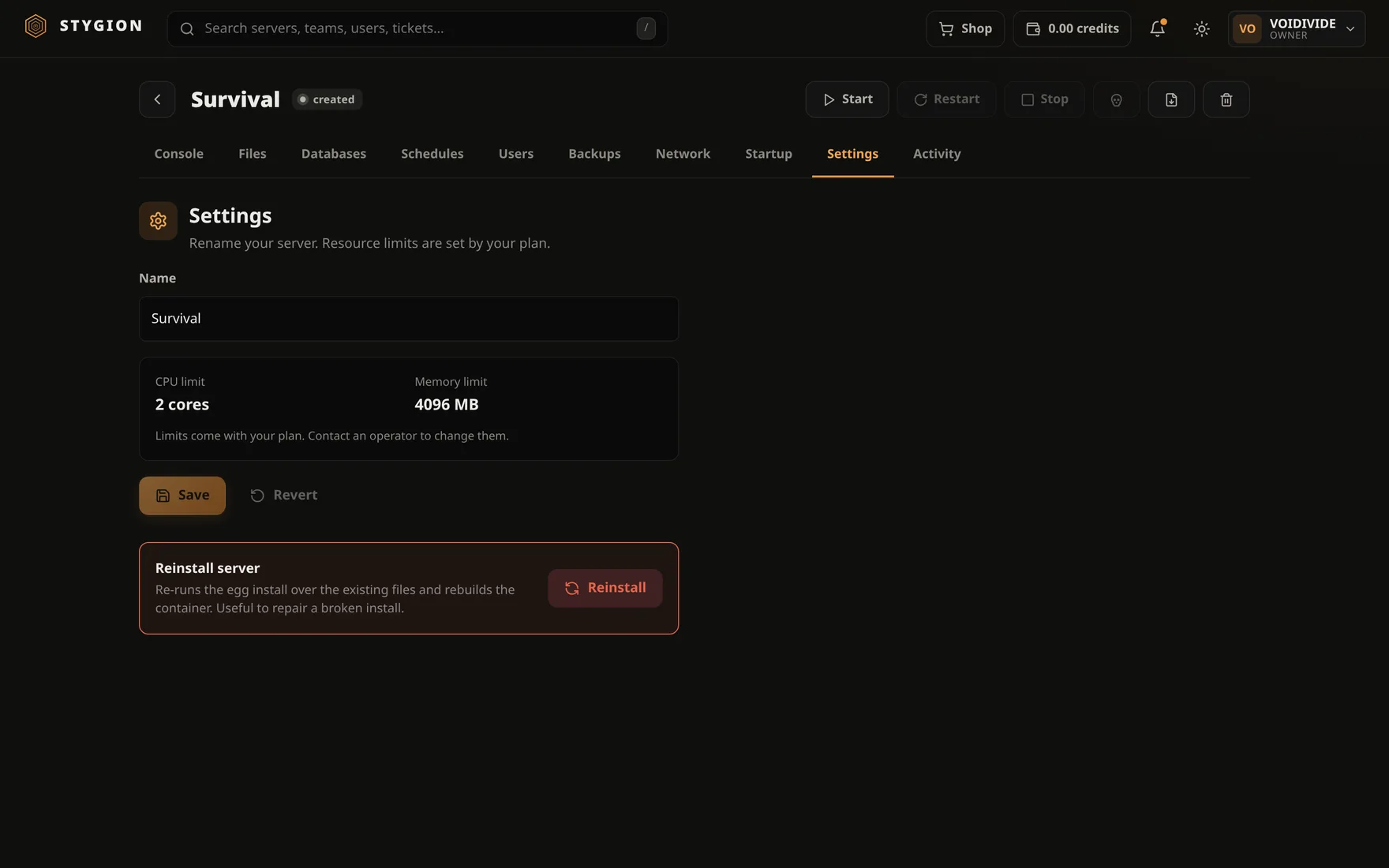
The name is yours; change it as often as you like. It is only a label — the container and the directory are named after the server's identifier and a rename does not touch them.
CPU and memory limits belong to the plan, not to the server. Who may change them is the panel's administrator; everybody else sees them and cannot edit them. That is deliberate: a limit anyone can raise for themselves is not a limit.
The memory limit is also what fills SERVER_MEMORY in the
startup command. With no limit, 1024 is
substituted — which is why an unlimited server often runs with
-Xmx1024M until you set one.
Reinstall server runs the egg's install script again. Described under Startup.
Deleting a server removes the container and the data directory. It does not undo, and a backup stored beside the server goes with it. If the data matters, download a backup to your own machine first. Only the owner may delete a server — no share opens that to anybody.
Activity
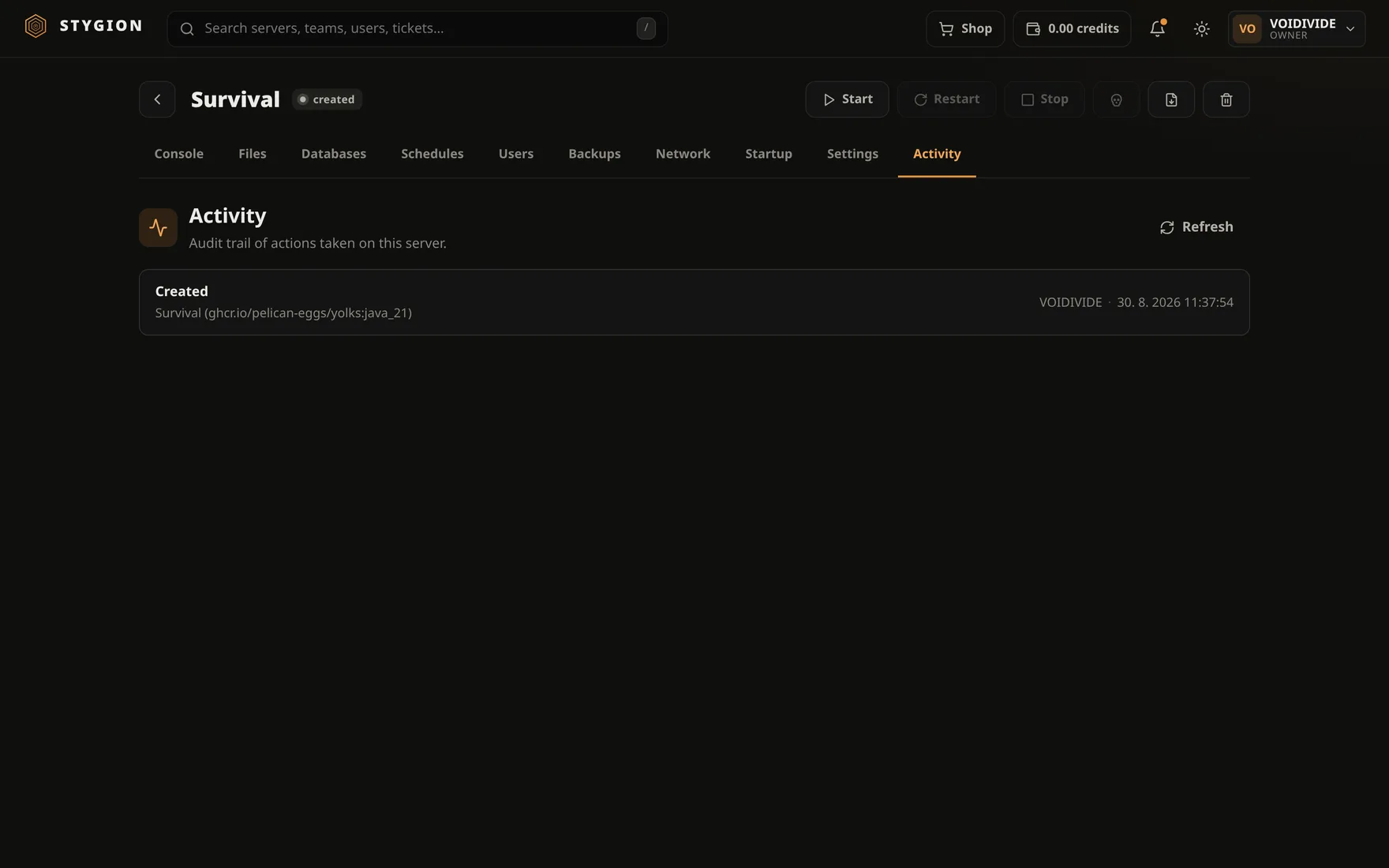
The Activity tab is the record of what happened to the server: a start, a stop, a saved Startup, a backup taken, a reinstall, a deleted file — who and when.
It is good for two things. One, finding out who pressed Kill at ten in the evening. Two — and this comes up more often — ruling out that anybody did: a server that fell over on its own has nothing in its activity.
Automatic actions are recorded too, so a schedule that did not fire overnight shows as a hole where a line should be. And what an agent over MCP did is recorded under its key, not under you.
Next: Updating the panel.
Did this page help?
Opens the feedback panel with this page attached, and lands in the same queue as everything else.